
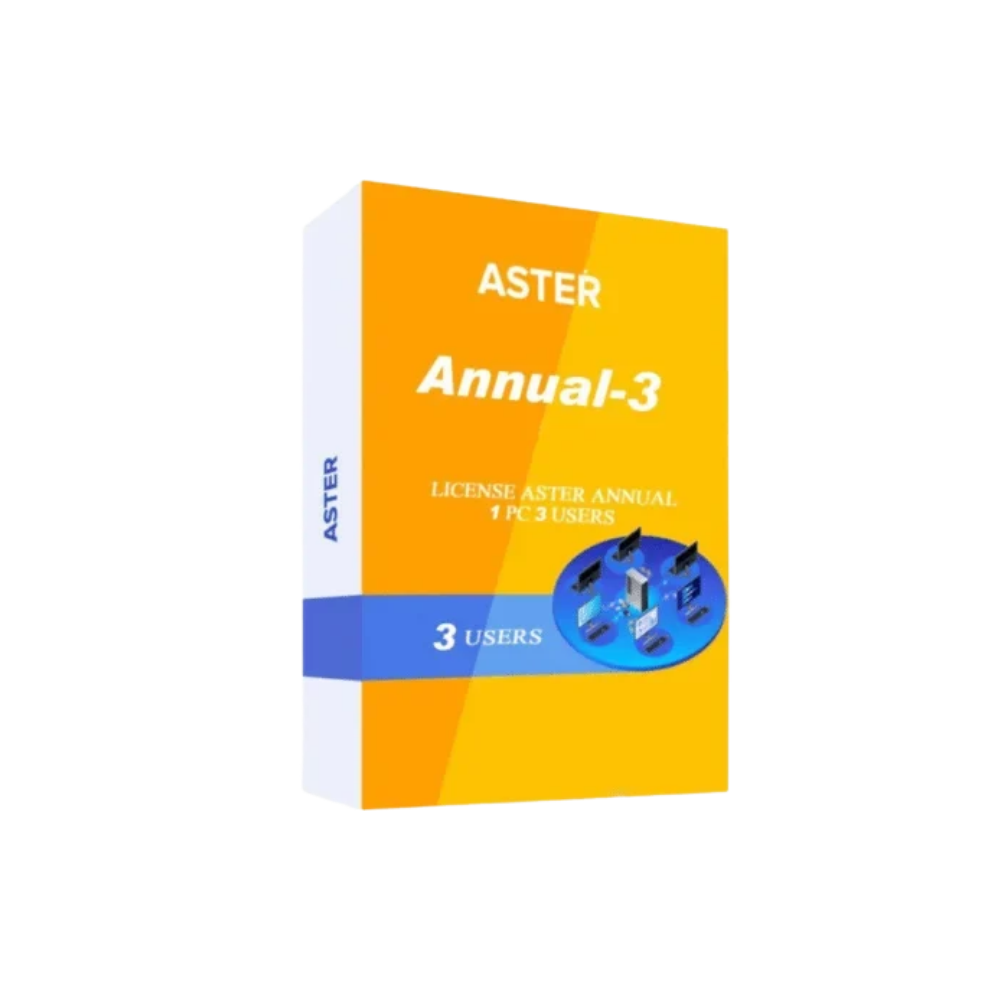
ASTER Annual 3 – 3 User Multiseat Software License
ASTER Annual 3 is a powerful and cost-effective multiseat software solution designed for businesses, offices, educational institutions, training centers, computer labs, service centers, and other professional environments that need multiple users to work simultaneously on a single computer. Instead of purchasing and maintaining separate computers for every employee or user, ASTER Annual 3 allows three independent users to work at the same time using one computer. Each workplace can have its own monitor, keyboard, mouse, and other connected peripherals, creating an efficient multi-user computing environment while helping organizations make better use of their existing hardware.
What Is ASTER Annual 3?
ASTER Annual 3 is an annual multiseat software license that enables up to three users to work independently and simultaneously on one computer. The software creates separate workplaces so that each user can have an individual desktop environment while sharing the processing resources of the host computer.
The solution is designed for organizations that want to increase the number of available workstations without purchasing a completely separate computer system for every user. It can be particularly useful for small businesses, offices, schools, training centers, computer labs, and other environments where several users need access to computers at the same time.
Three Independent Workplaces
The main feature of ASTER Annual 3 is its support for three simultaneous workplaces. Each workplace can have its own monitor, keyboard, mouse, and other required peripherals. This allows three users to work independently without having to take turns using the same computer.
ASTER Annual 3 Annual License
ASTER Annual 3 is provided as an annual license, making it suitable for organizations that prefer yearly software licensing and budgeting. The license provides access to ASTER’s multiseat functionality for the applicable license period.
One-Year Software License
The annual licensing model allows businesses and organizations to plan their software expenses on a yearly basis. Before purchasing or deploying the software, users should check the latest official licensing terms, activation requirements, supported operating systems, and product conditions.
Key Features of ASTER Annual 3
ASTER Annual 3 offers several features designed to create a practical multi-user computing environment.
3 Simultaneous Users
With ASTER Annual 3, up to three users can work simultaneously from one suitable host computer. Each user can operate their own workplace with individual input and display devices.
Multiple Monitors and Peripherals
Each workplace can be configured with its own monitor, keyboard, mouse, and other compatible peripherals. This helps create an individual desktop experience for every connected user.
Reduced Hardware Requirements
Instead of purchasing three complete computers, organizations can use one suitable host computer to provide multiple workplaces. This can potentially reduce hardware purchasing and maintenance requirements.
Efficient Use of Existing Hardware
Organizations with a sufficiently powerful computer may be able to use ASTER to create multiple workplaces, subject to software compatibility, licensing, and hardware requirements.
Benefits of ASTER Annual 3 for Businesses
Businesses often need multiple computers for employees, but purchasing separate systems can increase hardware and maintenance costs. ASTER Annual 3 provides an alternative approach by allowing several users to share the resources of one capable computer.
Lower Hardware Investment
A traditional setup may require a complete computer for every user. A multiseat setup can instead use one powerful host computer with multiple displays and input devices. This can help organizations optimize their hardware budget.
Simplified Hardware Management
With a centralized host system, organizations may have fewer individual computer systems to maintain. Software administration, hardware upgrades, and system monitoring can potentially be simplified.
Better Use of Office Space
ASTER Annual 3 can help reduce the number of computer cabinets placed around an office. The main computer can be positioned in a suitable location while individual users work from their own desks with dedicated monitors and peripherals.
ASTER Annual 3 for Offices
ASTER Annual 3 can be useful for small offices and businesses where several employees need access to computers simultaneously.
Suitable Office Applications
Users can work with everyday business applications such as word processors, spreadsheets, web browsers, email applications, accounting software, customer management systems, data-entry tools, and other compatible programs.
A small office could configure three workplaces for employees handling administration, accounting, customer support, inventory, or documentation tasks.
ASTER Annual 3 for Schools and Training Centers
Educational institutions and training centers can use multiseat computing to provide several student workstations from one suitable computer.
Computer Training Labs
A training center can configure three independent workplaces using one host computer. Students can work individually while sharing the processing resources of the main system.
ASTER Annual 3 can be useful for computer education, office software training, accounting classes, programming practice, digital skills courses, and other training environments.
Space-Saving Classroom Setup
A centralized computing setup can potentially reduce the physical space required for computer cabinets. Students can have their own monitors and input devices while the main host computer is positioned separately.
ASTER Annual 3 for Computer Labs
Computer laboratories often require multiple workstations for students, employees, or trainees. ASTER Annual 3 provides an alternative to installing a complete PC at every desk.
Centralized Computing
A capable host computer can provide the underlying computing resources for multiple workplaces. This can create a more centralized hardware environment while still providing separate user experiences.
Reduced Cable and Hardware Clutter
By reducing the number of computer cabinets, organizations may be able to create a cleaner and more organized workspace. The exact configuration will depend on the room layout and hardware requirements.
ASTER Annual 3 Hardware Requirements
The performance of a multiseat setup depends heavily on the specifications of the host computer. ASTER does not create additional processing power; instead, the available resources of the host computer are shared among multiple users.
Processor
A suitable processor is important when several users are working simultaneously. The processor should be selected according to the combined workload of all three users.
RAM
Sufficient RAM is important because every user’s applications consume system memory. A computer with adequate RAM can provide better responsiveness when multiple applications are running simultaneously.
SSD Storage
A fast SSD can improve Windows startup, application loading, file access, and general system responsiveness.
Graphics
Graphics requirements depend on the applications being used. Basic office tasks generally have modest graphics requirements, while video editing, 3D applications, engineering software, and other graphics-intensive programs may require more powerful graphics hardware.
Supported Windows Environment
ASTER versions support specific Windows operating systems according to their current product documentation. Users should always verify the latest official compatibility information before purchasing or installing ASTER Annual 3.
Check Compatibility Before Installation
Before deployment, organizations should verify the supported Windows version, hardware requirements, application compatibility, activation requirements, and licensing conditions.
ASTER Annual 3 for Small Businesses
Small businesses can benefit from ASTER Annual 3 when they need several workstations but want to control their IT investment.
Cost-Conscious IT Setup
Instead of immediately purchasing several complete desktop computers, a business can evaluate whether one powerful host computer with multiple workplaces is suitable for its workload.
Scalable Computing
Organizations can start with the number of workplaces they currently require and evaluate additional multiseat capacity as their needs grow, subject to ASTER licensing and technical limitations.
ASTER Annual 3 for Professional Workplaces
ASTER Annual 3 can support a variety of professional workflows where multiple users need access to computers at the same time.
Accounting and Administration
Accounting teams can use individual workplaces for billing, bookkeeping, spreadsheets, financial records, and administrative tasks.
Customer Support
Small customer-support teams can potentially use separate workplaces for customer communication, order management, documentation, and other business applications.
Data Entry
Organizations performing data-entry operations can configure multiple workstations from one suitable host computer, depending on application requirements.
Security and User Management
A multiseat environment should be configured with appropriate security controls. ASTER provides the multiseat functionality, while organizations remain responsible for Windows accounts, passwords, permissions, antivirus protection, application security, and data backups.
Separate User Accounts
Using appropriate Windows user accounts can help organizations manage individual user access and permissions.
Data Backup
Important business and educational data should be backed up according to the organization’s normal backup strategy. Because multiple workplaces can depend on the same host computer, maintaining reliable backups is especially important.
Advantages of Using ASTER Annual 3
ASTER Annual 3 can provide several potential advantages for organizations that require three simultaneous workplaces.
Hardware Optimization
The software allows organizations to make greater use of a capable host computer by supporting multiple independent workplaces.
Space Optimization
A centralized host can reduce the need for multiple computer cabinets and help create a cleaner workspace.
Flexible Workplace Configuration
Each user can have a separate monitor and input devices, creating an individual working environment.
Annual Licensing
The annual license model can help organizations plan software expenses on a yearly basis.
Important Considerations Before Buying ASTER Annual 3
Before purchasing ASTER Annual 3, organizations should consider their workload, hardware specifications, operating system, applications, peripherals, and licensing requirements.
Evaluate the Workload
Three users performing basic office tasks may require significantly fewer resources than three users running graphics-intensive or resource-heavy applications.
Select Suitable Hardware
The host computer should be powerful enough to handle the combined workload of all users. Processor performance, RAM, SSD storage, graphics capability, and connectivity should all be considered.
Test Applications
Organizations should test their required applications and peripherals before deploying ASTER Annual 3 in a production environment.
How ASTER Annual 3 Works
ASTER Annual 3 works by creating multiple independent workplaces on a single computer. The host computer provides the processing and storage resources while each workplace is connected to its own display and input devices.
Shared Host Computer
The host computer acts as the central computing system for all connected workplaces.
Independent Workplaces
Each user can work within their own desktop environment using their assigned monitor, keyboard, and mouse.
Simultaneous Operation
Three users can work at the same time instead of waiting for another user to finish using the computer.
ASTER Annual 3 for Cost-Effective Computing
Organizations are continuously looking for ways to reduce IT costs without compromising productivity. ASTER Annual 3 provides a multiseat approach that can potentially reduce the need for multiple complete desktop systems.
Reduce the Number of PCs
A suitable host computer can provide multiple workplaces, reducing the need to purchase a separate CPU for every user.
Optimize Existing Resources
Businesses may be able to use an existing capable computer for multiple workplaces, provided that the system meets current ASTER requirements.
Why Choose ASTER Annual 3?
ASTER Annual 3 is a practical choice for organizations that need three simultaneous workplaces from one computer. It combines centralized computing with individual user environments, making it suitable for many business and educational applications.
Ideal for Three-User Environments
The three-workplace configuration makes ASTER Annual 3 suitable for small teams, training rooms, laboratories, offices, and other environments requiring three simultaneous users.
Practical and Flexible Solution
By combining multiple workplaces with one suitable host computer, ASTER Annual 3 offers organizations another option for planning their computing infrastructure.
Conclusion
ASTER Annual 3 is a multiseat software solution designed to allow three users to work simultaneously on one suitable computer. With individual monitors, keyboards, mice, and independent workplaces, users can operate separately while sharing the resources of the host system.
The solution can be useful for offices, small businesses, schools, training centers, computer laboratories, service centers, and other organizations that need multiple workstations. By consolidating computing resources, organizations can potentially reduce hardware requirements, optimize office space, simplify equipment management, and make better use of capable computer systems.
The annual licensing model also provides organizations with a straightforward way to plan their software usage and yearly IT expenses. Before purchasing, users should verify the latest ASTER license terms, Windows compatibility, hardware requirements, activation process, and supported applications.
With the right hardware and proper configuration, ASTER Annual 3 can provide an efficient three-user computing environment from a single host computer. It is a practical option for organizations looking for a flexible and cost-conscious approach to multiseat computing.
Reviews
There are no reviews yet.