
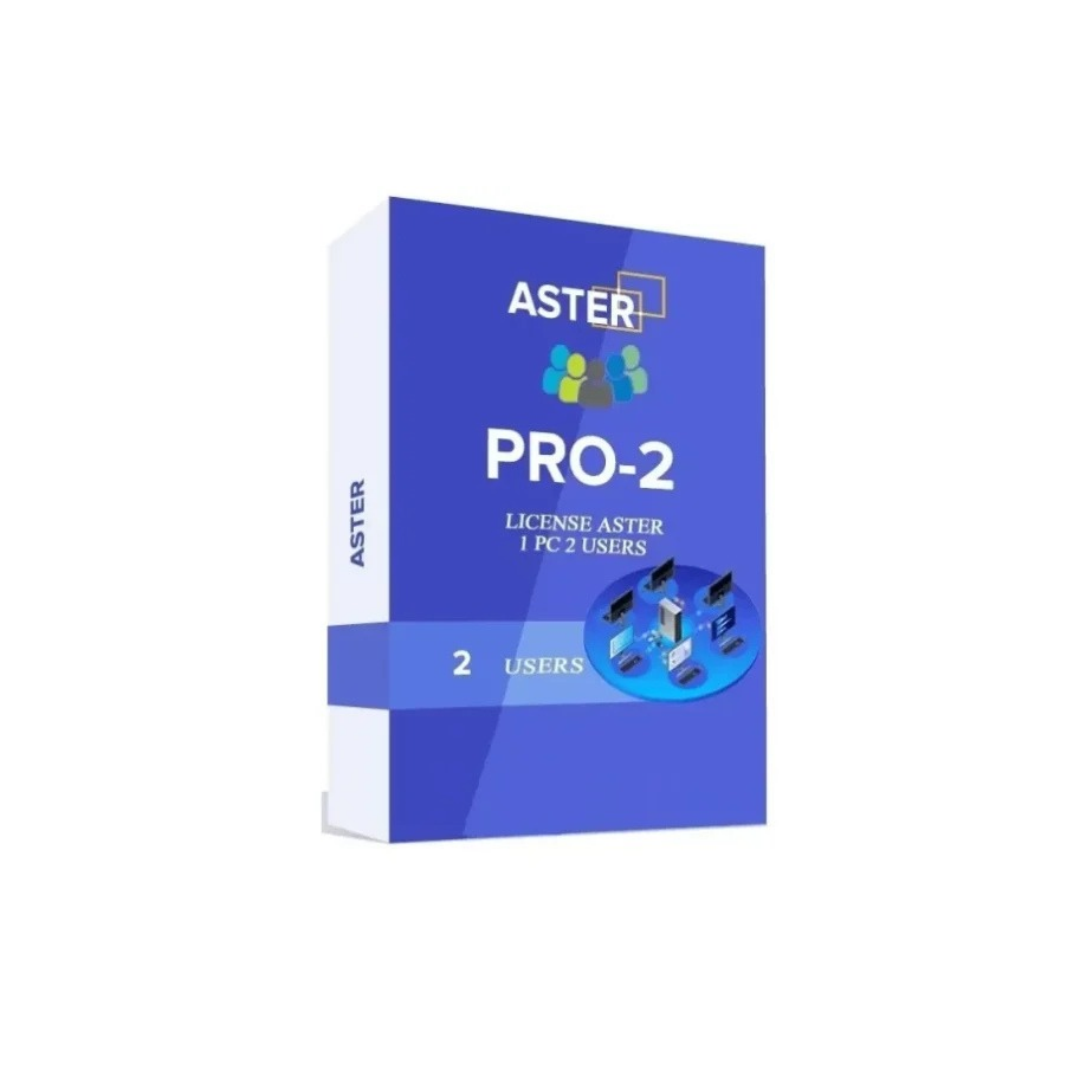
ASTER PRO 2 is a powerful multi-user software solution designed to help two people work independently on a single computer. Instead of purchasing and maintaining two separate computers, businesses, offices, educational institutions, and home users can use ASTER to create two independent workstations from one compatible PC. Each workstation can have its own monitor, keyboard, mouse, and other required peripherals, allowing two users to perform their daily tasks simultaneously.
With the ASTER PRO 2 lifetime license, users can benefit from a practical and cost-effective computing solution for supported Windows operating systems. The software is designed for environments where multiple people need access to computer resources without necessarily requiring a dedicated computer for every individual.
Whether you operate a small office, manage a retail business, run an educational computer lab, or want to create an additional workstation at home, ASTER PRO 2 can help improve hardware utilization and simplify your computing setup.
ASTER PRO 2 supports two workplaces on one computer, subject to compatible hardware, supported Windows editions, and the applicable license terms. It is a suitable choice for users who want to make better use of their existing computer infrastructure while providing individual workspaces for two people.
What Is ASTER PRO 2 Software?
ASTER PRO 2 is a multi-workstation software solution that enables two users to work simultaneously using one computer. Traditionally, each user who needs a separate desktop environment requires an individual PC or laptop. This can increase hardware expenses, electricity consumption, maintenance requirements, and the amount of physical space needed.
ASTER offers an alternative by allowing multiple workstations to share the resources of one computer. With the appropriate hardware configuration, two users can connect their own displays and input devices and use their workstations independently.
For example, a small business owner and an employee can work at separate desks using the same host computer. One user may manage billing and inventory, while the other handles customer records, emails, or office documents.
Similarly, in a learning environment, two students can use separate workstations connected to a shared computer, provided that the hardware is sufficiently powerful for their applications.
ASTER PRO 2 is intended for users who need practical multi-user computing without the expense of maintaining multiple complete computer systems.
Key Features of ASTER PRO 2
1. Two Independent Workplaces
ASTER PRO 2 supports two workplaces on a single compatible computer. Each workplace can be configured with its own monitor, keyboard, and mouse.
This setup enables two people to perform their tasks at the same time. Each user can interact with their assigned workstation instead of waiting for another person to finish using the computer.
It is particularly useful for small offices, billing counters, administrative departments, and home environments where two users require access to computing resources.
2. Lifetime License
ASTER PRO 2 is available with a lifetime license option, making it an attractive choice for users who prefer a one-time license purchase instead of a recurring subscription.
A lifetime license generally provides ongoing rights to use the licensed software according to the applicable license agreement. Customers should confirm the exact coverage, activation conditions, hardware transfer rules, and update entitlements associated with the license they purchase.
A lifetime license should not automatically be interpreted as including every future major software upgrade or unlimited technical support unless those benefits are expressly included in the applicable terms.
3. Support for Windows Operating Systems
ASTER PRO 2 is designed for compatible Windows environments, including the following versions as specified for this product offering:
- Microsoft Windows 7
- Microsoft Windows 8
- Microsoft Windows 10
- Microsoft Windows 11
- Microsoft Windows Server 2016
- Microsoft Windows Server 2019
Compatibility can depend on the ASTER software release, Windows edition, hardware configuration, and available device drivers. Verify the requirements for your exact system before installation.
Please note that Microsoft has ended regular support for Windows 7 and Windows 8.1, and standard support for Windows 10 ended on October 14, 2025, subject to applicable extended security update arrangements. Users should consider security requirements and the availability of updates when selecting an operating system.
4. Better Utilization of Existing Hardware
ASTER helps users make more effective use of a compatible computer by enabling two workplaces to share its processing power, memory, storage, and other system resources.
Instead of immediately investing in another complete PC, a business may be able to add a second workstation using its existing computer.
The actual performance of each workstation depends on the processor, RAM, storage device, graphics capabilities, operating system, and applications being used simultaneously.
5. Separate Input Devices
Each workstation can use its own keyboard and mouse. This arrangement allows users to control their respective workspaces independently.
For businesses, independent input devices are useful when two employees perform different activities, such as preparing invoices and updating customer information.
A properly configured device layout also helps reduce confusion and makes a shared-computer environment more convenient.
6. Space-Saving Workstation Setup
ASTER PRO 2 can reduce the need for additional computer towers or complete desktop systems. Depending on the installation, users may only need to add the required monitor, keyboard, mouse, and compatible connectivity.
This can be useful in offices with limited desk space, retail shops with compact billing counters, and training rooms where multiple workstations must fit into a small area.
7. Potential Cost Savings
Purchasing and maintaining a separate computer for every user can be expensive. ASTER provides an alternative that may lower initial hardware costs when an existing computer has sufficient capacity to support multiple users.
Possible savings can include reduced expenditure on additional PC components, fewer computer towers, and simpler hardware management.
However, actual savings depend on the cost of peripherals, computer upgrades, electricity consumption, maintenance, and software licensing. A suitable hardware assessment should be completed before making a purchasing decision.
How ASTER PRO 2 Works
ASTER PRO 2 creates multiple workplaces by allowing supported hardware and software resources to be shared between users.
A typical configuration includes one compatible host computer, two monitors, two keyboards, and two mice. Additional USB devices, audio equipment, graphics adapters, or other peripherals may be required depending on the configuration.
Once the software is installed and configured, the administrator assigns the appropriate display and input devices to each workplace. Users can then log in and work at their respective stations according to the operating system configuration and software capabilities.
For example, one user may work on spreadsheets while another prepares documents or manages web-based business applications. Both users share the host computer’s resources, so adequate system capacity is important.
ASTER is not a replacement for checking application compatibility or Windows licensing requirements. Before deployment, verify that the intended applications, peripherals, and operating system edition support the planned multi-user arrangement.
System Requirements for ASTER PRO 2
To achieve reliable performance, the host computer should meet the requirements of the selected Windows version and the ASTER software release.
Recommended Hardware Considerations
Processor: Choose a compatible multi-core processor capable of handling the applications used by both workplaces simultaneously.
RAM: Memory requirements depend on the operating system and the software used by each user. More memory may be necessary when both workplaces run browsers with multiple tabs, office applications, accounting software, or other resource-intensive programs.
Storage: An SSD is recommended for faster boot times, application loading, and general system responsiveness.
Graphics: Ensure that the graphics hardware can support the required number of displays at the intended resolutions. Depending on the PC, this may require additional supported graphics outputs or adapters.
Monitors: Two compatible monitors are required for a conventional two-workplace configuration.
Keyboards and mice: Provide a separate keyboard and mouse for each workstation.
Connectivity: Check USB ports, display outputs, audio connections, and peripheral compatibility before installation.
These are practical planning considerations rather than a substitute for the official minimum system requirements. The exact supported hardware configuration should be verified for the ASTER release being purchased.
Benefits of ASTER PRO 2 for Small Businesses
Reduce Initial Hardware Investment
Small businesses often need to control expenses while providing employees with access to essential computer applications. ASTER PRO 2 can help by allowing two users to share a compatible host computer.
Rather than purchasing two complete desktop systems, a business may be able to use one suitable PC with additional peripherals. This approach can be particularly useful for startups and businesses operating on limited budgets.
Improve Workplace Productivity
When configured correctly, two employees can work simultaneously instead of sharing one desktop in turns.
For example, one employee can prepare invoices while another updates inventory records. A receptionist and an administrative assistant may also be able to perform separate tasks at the same time.
Productivity benefits will depend on the applications being used and the performance of the host computer.
Simplify Hardware Management
Managing fewer computer towers can make some hardware maintenance tasks easier. The business may have fewer separate PCs to configure, clean, update, and troubleshoot.
However, the shared host computer becomes an important point of dependency. If it fails or requires maintenance, both workplaces may be affected.
Businesses should therefore maintain suitable backups, security protections, and a plan for system recovery.
Support Growing Businesses
ASTER PRO 2 can be considered when a small business needs an additional workstation but wants to avoid purchasing a second complete computer immediately.
As the business grows, users can evaluate whether the existing host computer remains sufficient or whether a larger multi-workstation setup or separate computers would better meet their needs.
ASTER PRO 2 for Different Industries
1. Retail Shops
Retail businesses often require computers for billing, stock management, customer information, and daily sales reporting.
With ASTER PRO 2, a suitable computer can potentially support two workstations. One employee might handle billing while another updates stock or checks product information.
This arrangement can help shops make better use of available desk space and computer hardware.
2. Accounting and Tax Offices
Accounting firms and tax consultants frequently work with spreadsheets, accounting applications, document processing tools, and web portals.
ASTER PRO 2 can be considered for small offices where two users need access to compatible business software at the same time.
Before deployment, check the licensing terms of all accounting and tax applications. Some applications have their own restrictions on concurrent users or installations.
3. Educational Institutions
Schools, coaching centres, and training facilities may need to provide computing access to multiple students while controlling equipment costs.
ASTER PRO 2 can help create two workplaces on a compatible computer. This can be useful for basic computer training, document creation, and web-based learning where the system has adequate resources.
For demanding educational software, multimedia applications, or advanced programming tools, verify that the hardware can provide an acceptable experience for both students.
4. Small Offices
Small offices may need computers for email, office documents, online portals, customer management, and routine administration.
ASTER PRO 2 can help two employees work independently using a shared host computer, reducing the need for multiple complete desktop systems in suitable situations.
5. Home Offices
At home, two family members or remote workers may require separate workspaces for everyday computing.
ASTER PRO 2 can provide a practical option when the host computer has enough resources and the required applications are compatible. A suitable setup can help users share computing hardware while retaining separate displays and input devices.
6. Service Centres
Small service centres may use computers for customer registration, job cards, billing, service histories, and inventory.
A two-workplace configuration can help staff perform different tasks simultaneously. As with any business deployment, application licensing, data security, and hardware performance should be evaluated in advance.
ASTER PRO 2 vs. Two Separate Computers
ASTER PRO 2 and two independent computers can both provide separate workspaces, but they suit different requirements.
With ASTER PRO 2, two workplaces share a host computer. This may reduce the initial cost of computer hardware and simplify certain maintenance tasks.
With two separate computers, each system has its own processor, memory, storage, and operating system installation. This can provide greater independence and may be preferable for demanding workloads, different operating systems, or situations where one user’s activity should not affect the other user’s hardware resources.
ASTER can be a practical choice for basic office tasks, web applications, billing, and similar workloads when the host computer is adequately equipped. Separate PCs may be more appropriate when users need high-performance graphics, intensive computing, independent hardware upgrades, or stronger fault isolation.
The best choice depends on your budget, workload, reliability requirements, and future expansion plans.
Installation and Configuration of ASTER PRO 2
A successful installation begins with checking the computer’s compatibility and preparing the required hardware.
Step 1: Check System Compatibility
Confirm that your computer, Windows edition, graphics hardware, and peripheral devices are compatible with the ASTER software version you plan to use.
Review the official requirements before purchasing or installing the license.
Step 2: Prepare the Workstations
Connect two monitors and the required keyboards and mice. If the host computer does not have enough supported display outputs, determine whether a compatible graphics solution is needed.
Step 3: Install ASTER PRO 2
Obtain the installation package from an authorized source and follow the official installation instructions. Ensure that the software version matches the intended Windows environment.
Step 4: Configure Device Assignments
Use the ASTER configuration interface to assign supported displays and input devices to the intended workplaces. The exact steps may vary by software version and hardware configuration.
Step 5: Activate the License
Activate the software using the license information supplied with your purchase. Follow the license terms and any activation instructions provided by the seller or software publisher.
Step 6: Test Both Workplaces
Start both workstations and test the monitor, keyboard, mouse, network connection, audio devices, and required applications. Check performance while both users are working at the same time.
Step 7: Secure the System
Install appropriate security updates, configure user accounts and permissions, enable reliable backup procedures, and keep business applications updated.
For assistance, consult the official ASTER documentation or your authorized software provider.
Performance and Reliability Considerations
ASTER PRO 2 shares the host computer’s resources between two users. This makes hardware selection particularly important.
If both users perform light tasks such as browsing, email, word processing, and basic accounting, a properly configured computer may be sufficient.
If both users run demanding applications, use many browser tabs, process large files, or perform graphics-intensive work, the computer may require a more powerful processor, additional RAM, and suitable graphics hardware.
Network performance also matters when users rely on cloud applications, remote services, or shared files. A stable internet connection can improve the overall experience, although internet speed alone cannot compensate for insufficient local hardware resources.
Reliability should also be considered. Since both workplaces depend on the same host PC, a hardware failure or system crash can interrupt both users. Regular backups, appropriate cooling, a reliable power supply, and preventive maintenance are important for business environments.
Security and Data Management
A shared host computer should be configured carefully, especially when multiple people use it for business activities.
Create separate user accounts where appropriate and configure access permissions according to each user’s responsibilities. Avoid giving every user administrator privileges unless they are genuinely required.
Keep the operating system and applications updated wherever security updates are available. Use reputable security software, strong authentication, and regular data backups.
Businesses handling confidential customer information, financial records, or personal data should assess their security requirements before deploying a shared-computer configuration.
Remember that a lifetime software license does not automatically guarantee lifetime operating-system support, unlimited updates, or ongoing compatibility with every future Windows release.
Why Choose ASTER PRO 2?
ASTER PRO 2 offers a practical approach to multi-user computing for organisations and individuals who need two workplaces from one compatible computer.
Its key advantages include:
- Two workplaces on a single host computer.
- Potential savings on additional computer hardware.
- Support for separate monitors, keyboards, and mice.
- A lifetime license option under the applicable terms.
- Compatibility with specified Windows operating systems, subject to version requirements.
- A space-saving alternative for selected office and educational environments.
- Better utilisation of suitable existing computer resources.
- Flexible deployment for small businesses and home offices.
These benefits make ASTER PRO 2 worth considering when the goal is to provide two people with simultaneous access to computing resources without necessarily buying two complete PCs.
Frequently Asked Questions About ASTER PRO 2
What is ASTER PRO 2?
ASTER PRO 2 is multi-workstation software that enables two users to work simultaneously on one compatible computer using separate monitors and input devices.
How many workplaces does ASTER PRO 2 support?
The PRO 2 edition covered by this listing is intended for two workplaces. Check the license documentation for the exact permitted configuration.
Does ASTER PRO 2 offer a lifetime license?
This product offering is described as a lifetime license. Review the purchase terms to confirm what the lifetime entitlement covers and whether upgrades or support are included.
Which Windows versions are supported?
The listed environments include Windows 7, Windows 8, Windows 10, Windows 11, Windows Server 2016, and Windows Server 2019. Actual compatibility depends on the ASTER release, Windows edition, and hardware configuration. Confirm support before installation.
Can two users work at the same time?
Yes. ASTER is designed to let users work simultaneously at separate workplaces on a compatible host computer.
Do I need two monitors?
A conventional two-workplace setup requires two displays. The required display outputs and graphics hardware depend on the computer and configuration.
Can ASTER PRO 2 reduce hardware costs?
It may reduce initial hardware costs by allowing two users to share one suitable computer. Total savings depend on hardware upgrades, peripherals, licensing, power usage, and maintenance.
Is ASTER PRO 2 suitable for offices?
It can be suitable for small offices that use compatible applications and have adequate host-computer resources. Test the intended workload before relying on it for business-critical operations.
Can I use ASTER PRO 2 for gaming or graphics-intensive work?
The software’s multi-workstation capabilities do not guarantee suitable performance for demanding gaming or graphics workloads. Check hardware capabilities, software compatibility, and licensing requirements first.
What happens if the host computer stops working?
Because both workplaces depend on the host computer, a failure may interrupt both workstations. Keep backups and maintain a recovery plan.
Does a lifetime license include future upgrades?
Not necessarily. Future major upgrades, technical support, and other benefits depend on the specific license terms and the publisher’s policies.
Conclusion
ASTER PRO 2 is a useful multi-workstation solution for users who want to create two workplaces from one compatible computer. By allowing two people to work simultaneously with separate monitors and input devices, it can help businesses, educational institutions, service centres, and home offices use their computing resources more effectively.
Its lifetime license option may appeal to customers who prefer a long-term software purchase rather than a recurring subscription. The listed Windows compatibility also provides potential flexibility for organisations using supported systems, although compatibility must be verified against the exact ASTER version and Windows edition.
Before purchasing, assess your processor, memory, graphics hardware, displays, peripherals, and application requirements. Confirm the license terms, activation process, and software compatibility with the seller or publisher.
If your goal is to provide two users with convenient access to everyday computing applications while controlling hardware costs, ASTER PRO 2 is a solution worth evaluating.
Purchase ASTER PRO 2 from ASTER Indian
ASTER Indian helps customers explore ASTER multi-workstation software for business, office, educational, and home computing environments.
Visit https://asterindian.com/ to learn more about ASTER software, explore available license options, and contact the team for product information and compatibility guidance.
Choose ASTER PRO 2 when you need a two-workplace solution, and make an informed decision based on your hardware, application requirements, and licensing needs.
Product Name: ASTER PRO 2
Workplaces: 2
License Type: Lifetime license, subject to applicable terms
Listed Operating Systems: Windows 7, Windows 8, Windows 10, Windows 11, Windows Server 2016, and Windows Server 2019
Suitable For: Small businesses, offices, retail shops, educational institutions, service centres, and home offices
Reviews
There are no reviews yet.