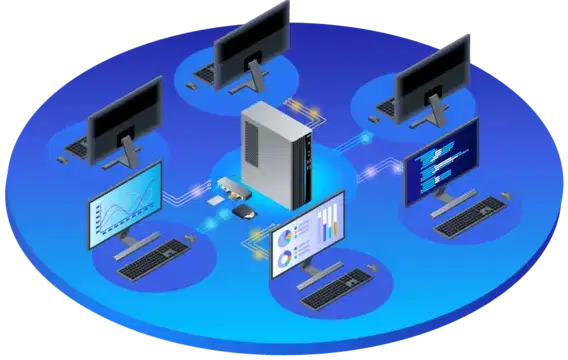
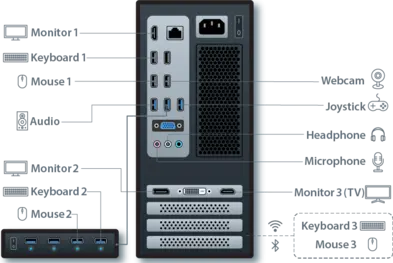
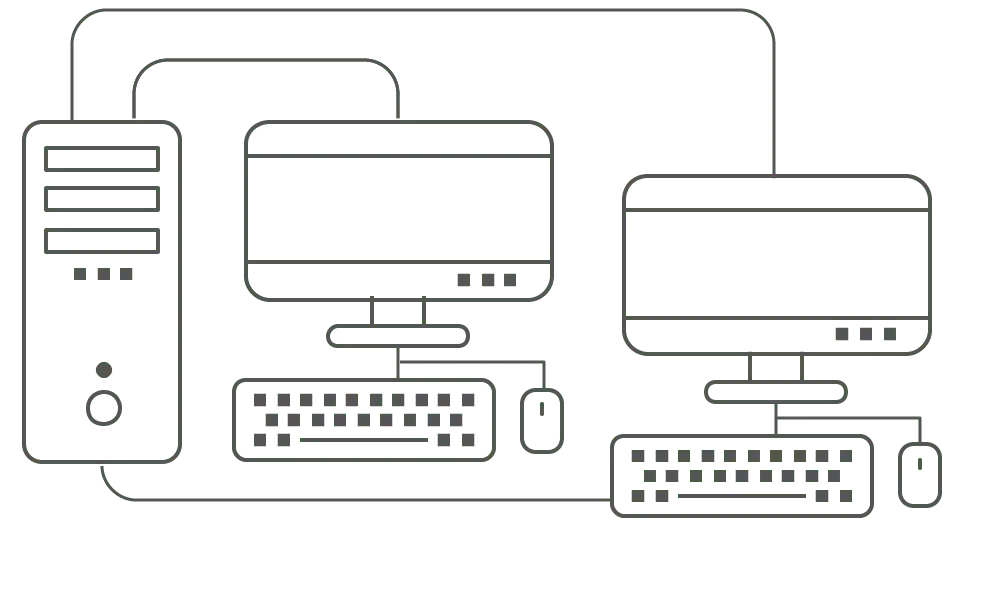
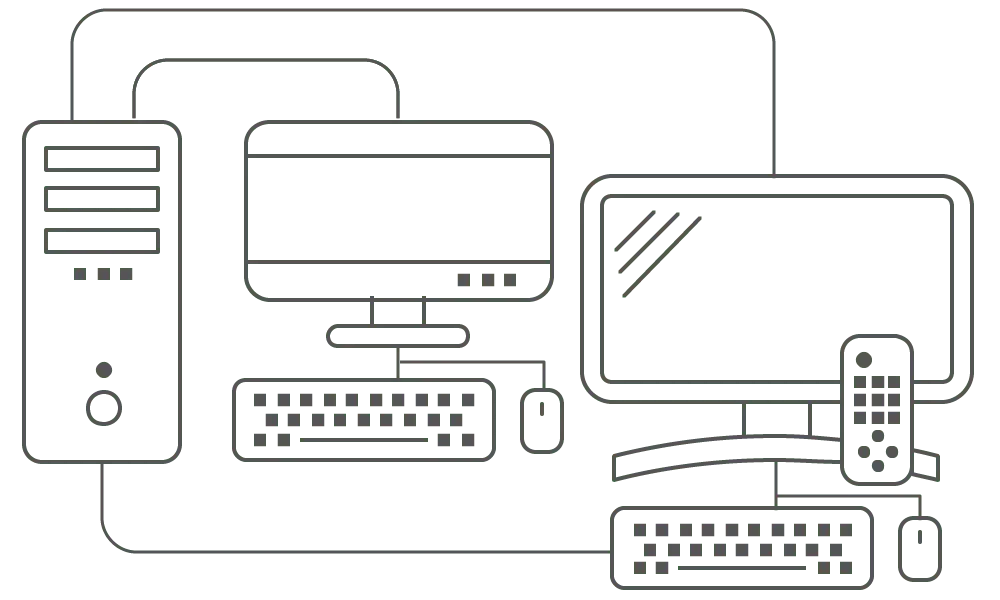
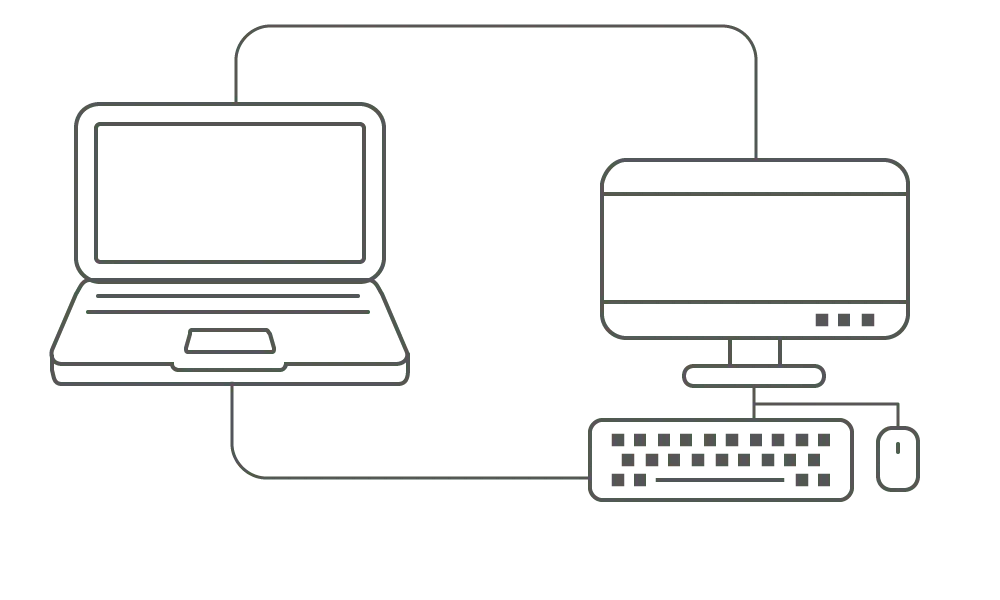
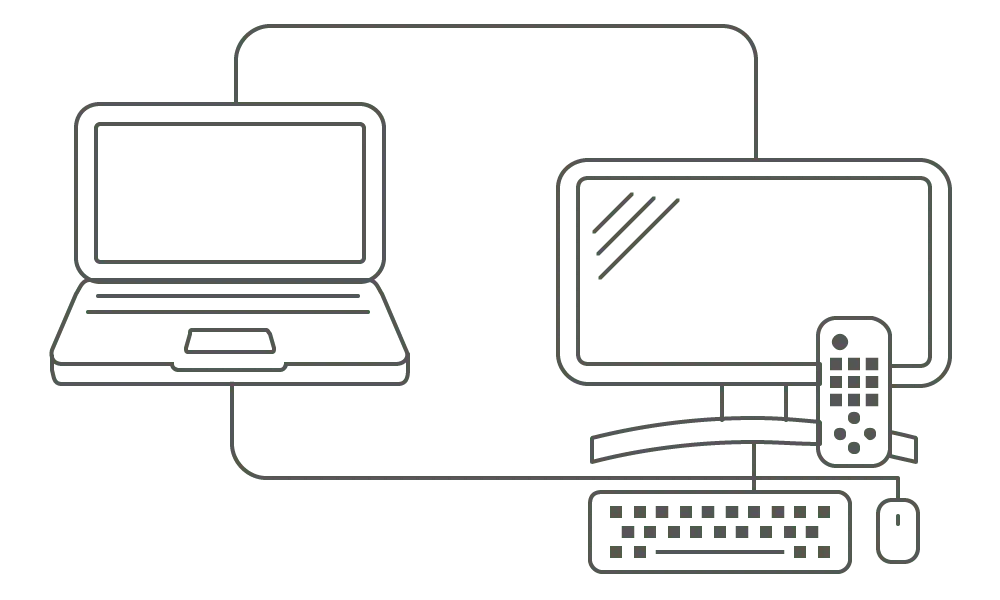
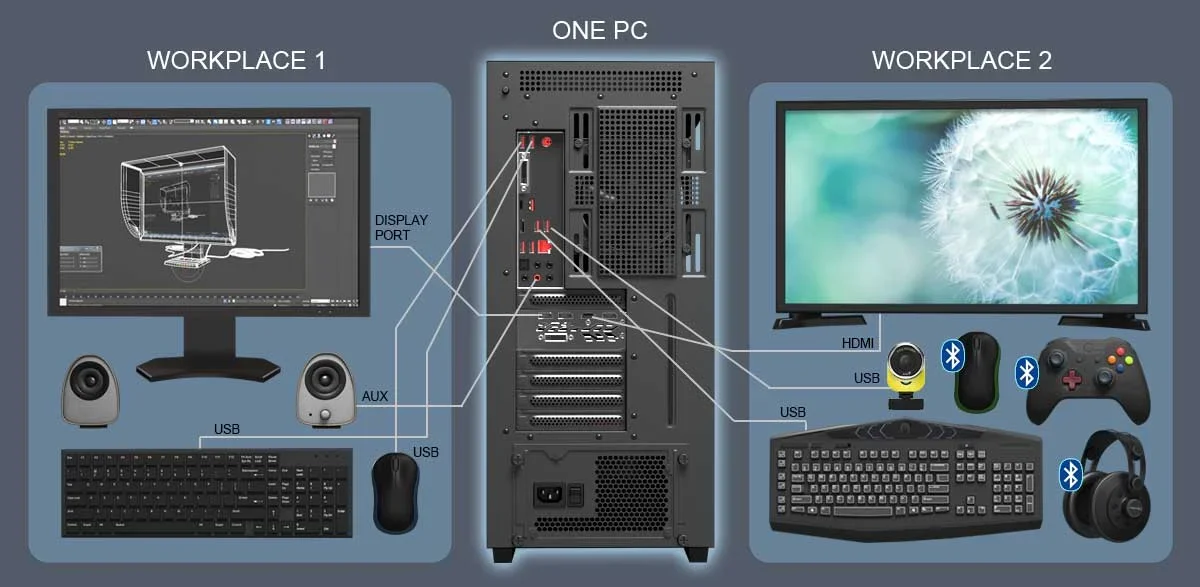
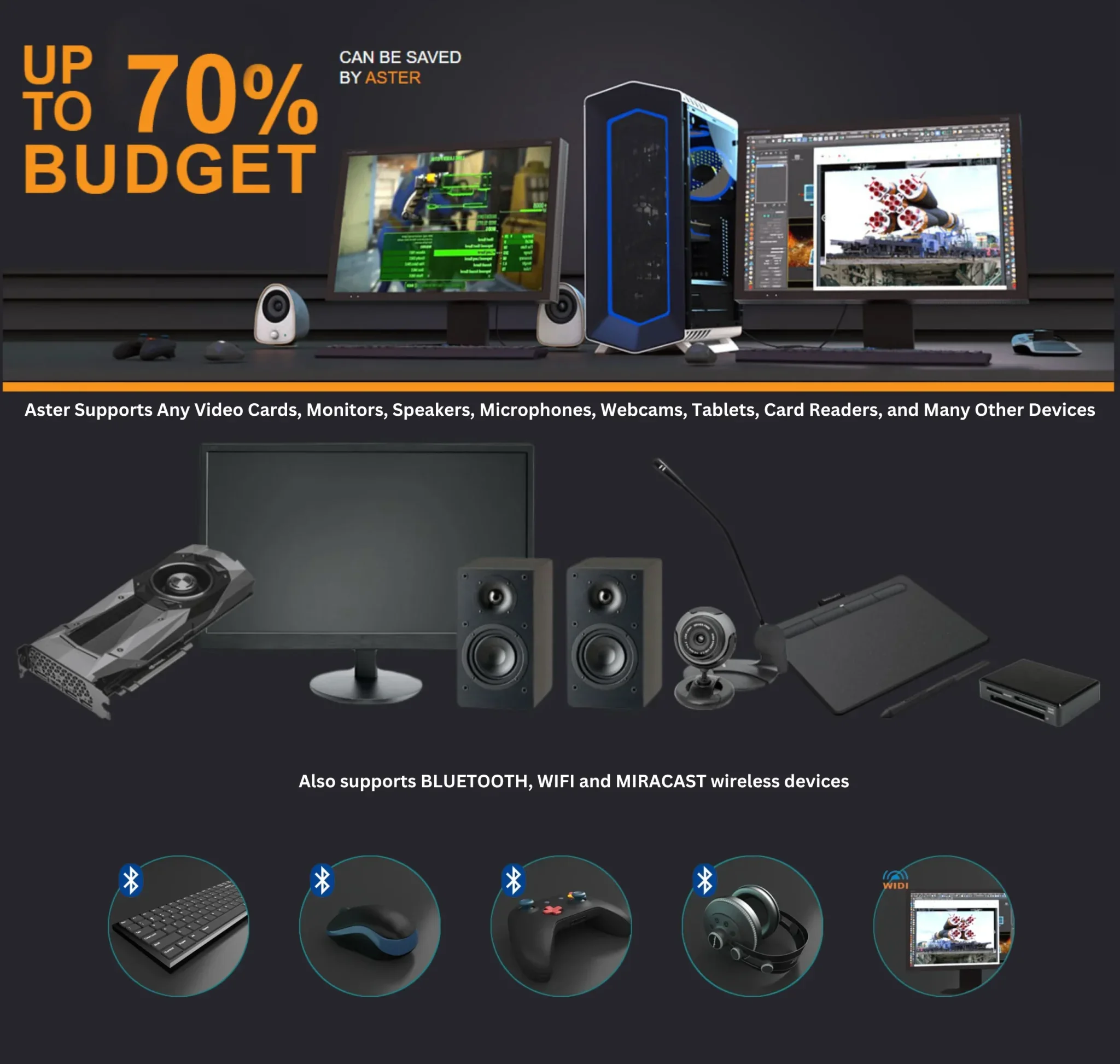
Compatible with Windows 7/8/8.1/10/11, Server 2016+ One Computer, Multiple Workplaces ASTER multiseat enables up to 12 independent workstations on a single PC. Save up to 70% on IT costs while maintaining full functionality for each user. Download Free Trial View Pricing Free Trial Free Trial for 14 Days 100% Money Save With Our Software You can Save Money on Additional Computer Support 24/7 Contact us 24 hours a day 100% Payment Secure Your payment are safe with us Years on Market 0 + Cost Reduction 0 % Workstations/PC 0 Users Worldwide 0 K+ How It Works Set up multiple workstations in three simple steps Connect Additional MonitorsConnect monitors or TVs to your computer via HDMI, DisplayPort, DVI, VGA, USB, or Wi-Fi. Add Keyboards & MiceConnect additional keyboards, mice, and optional peripherals like microphones, headphones, or webcams. Install & Configure ASTERInstall ASTER software and configure workstations. Each monitor displays its own desktop after ASTER is enabled. Home Connection Option Computer and monitor, additional keyboard and mouse Computer and TV, additional keyboard and mouse Laptop and monitor, additional keyboard and mouse Laptop and TV, additional keyboard and mouse SIMPLE CONNECTION Quick Start video Watch how to set up ASTER in just a few minutes This content is blocked because it would connect to YouTube.Accept & Load Key Benefits Why businesses and individuals choose ASTER Up to 70% Cost Reduction Dramatically reduce hardware costs by eliminating the need for multiple computers, thin clients, or terminal stations. Up to 12 Independent Users Each user gets their own desktop, can run applications independently, and connect to the internet simultaneously. Quick Setup & Deployment No complex networking required. Fast deployment and easy updates across all workstations simultaneously. No Additional Hardware Works with standard monitors, keyboards, and mice. No need for thin clients, virtual machines, or terminal stations. Windows Compatible Full compatibility with Windows 7/8/8.1/10/11. Works with standard office, accounting, educational, and graphic applications. Energy Efficient Reduce power consumption, noise levels, and electromagnetic emissions by using fewer physical machines. Perfect For Every Environment From offices to schools, gaming to remote work Offices & Banks Workstations for offices, banks, and accounting departments Education Computer labs in schools and universities Home & Gaming Family computing and multiplayer gaming Libraries & Museums Public access computers in cultural institutions Call Centers Cost-effective agent workstations Hotels & Hospitals Guest and patient computer access Internet Cafes Maximize profits with minimal investment Events & Conferences Temporary setups for exhibitions and seminars